Quick answer
Email Users → Export → Default. Winnr downloads a CSV with standard columns — domain, from_email, from_name, user_name, password, smtp_host, smtp_port, imap_host, imap_port, imap_username, imap_password, footer. Compatible with any sending tool that supports SMTP/IMAP configuration.
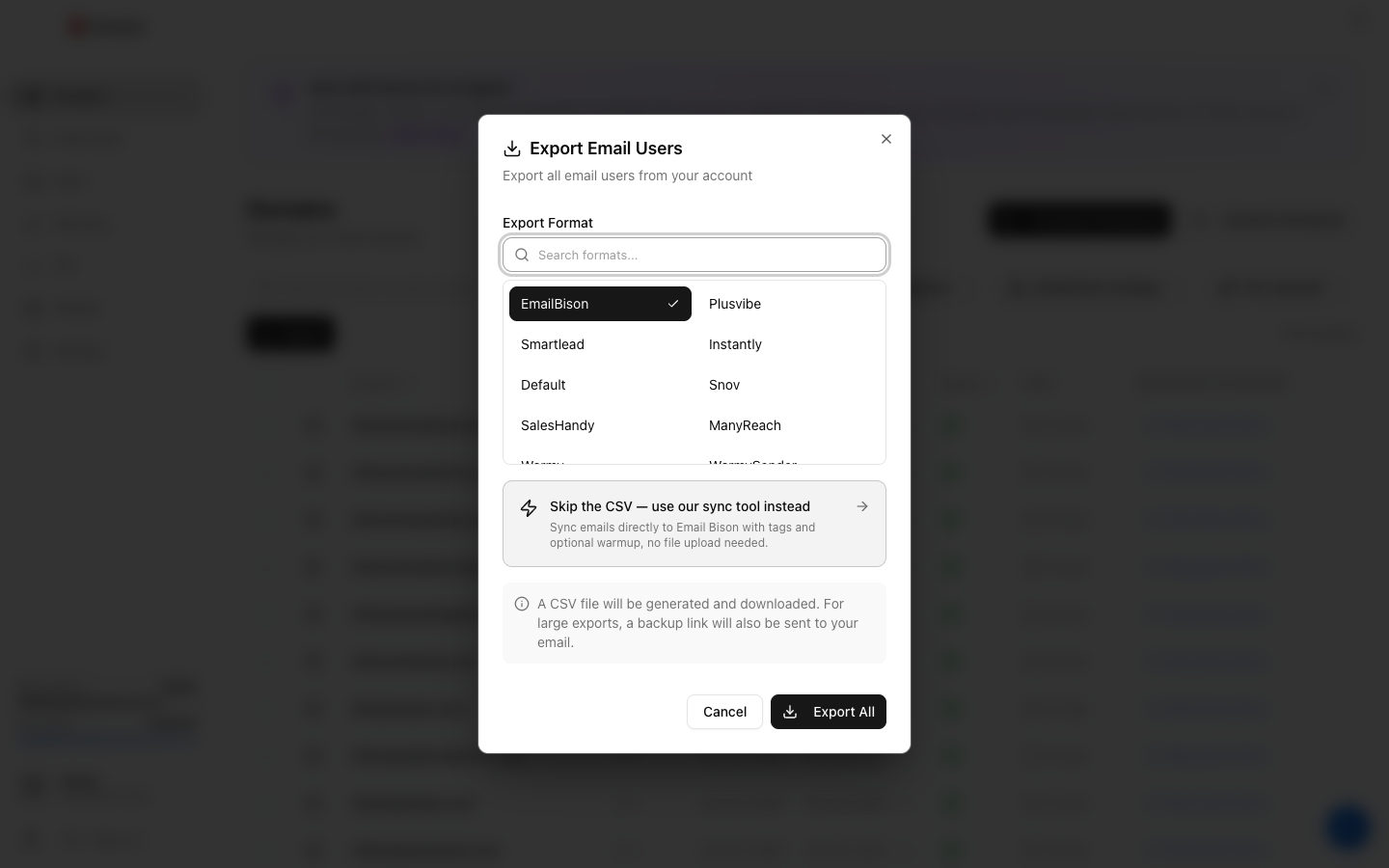
Which format for what tool
- Tools we have a dedicated format for (see other pages in this category) — always use the dedicated format. Column ordering and field names are pre-tuned.
- Tools we don't — the Default export. Almost always works with minor column renaming.
- Custom integrations — use the Winnr API. Returns JSON directly, no CSV manipulation needed.
What's next
Frequently asked questions
What columns are in the Default export?
domain, from_email, from_name, user_name, password, smtp_host, smtp_port, imap_host, imap_port, imap_username, imap_password, footer. Some tools require different column names — you may need to rename before import.
Can I edit the CSV before importing?
Yes. Rename columns, delete rows, add extra columns as your tool requires. As long as the credential fields are intact, it works.
My tool wants JSON, not CSV.
Convert with any spreadsheet-to-JSON tool, or use the Winnr API directly (returns JSON natively).